
The Acuity App
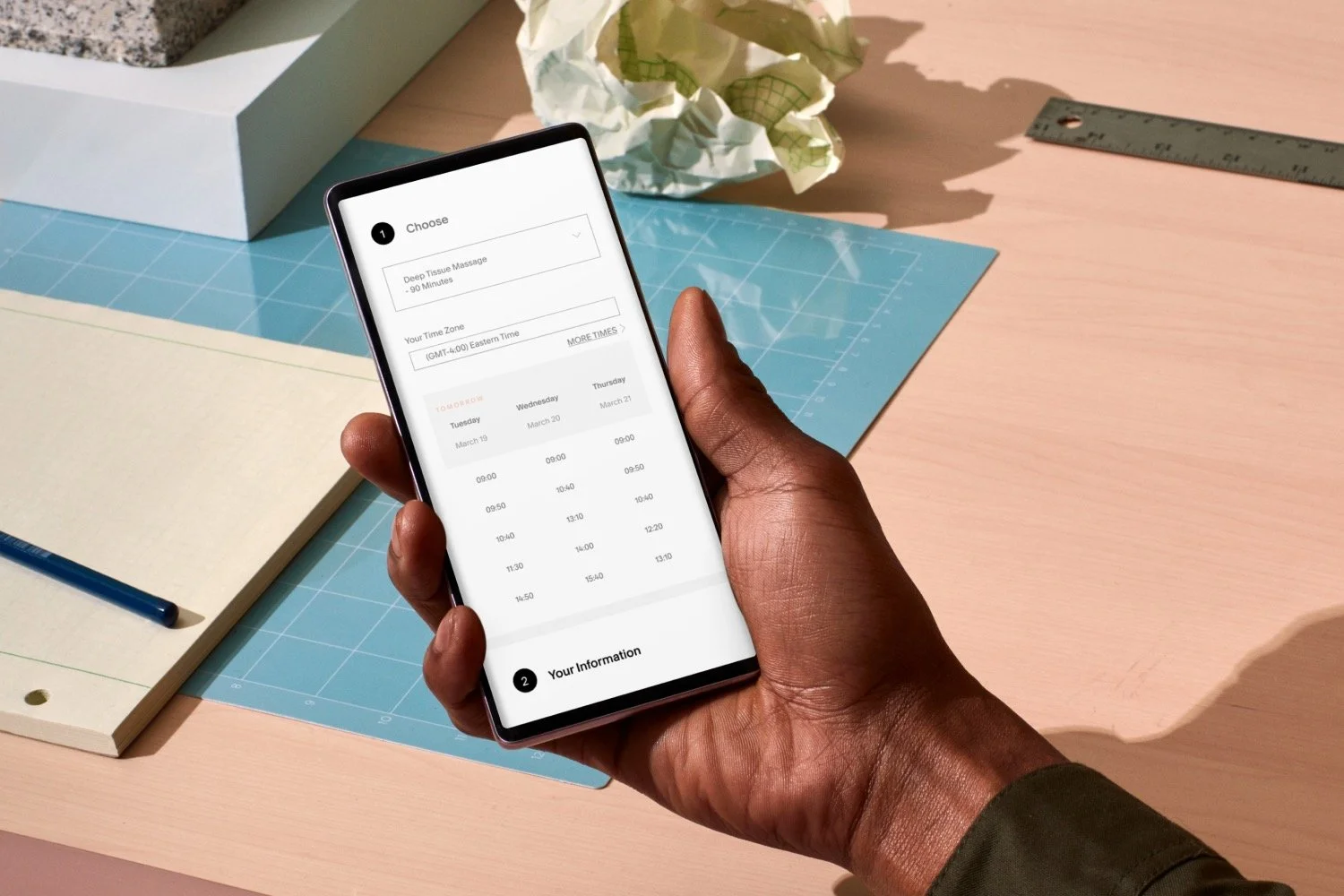
Booking GV3 lessons has never been simpler. Download the Acuity app to create an account, book and view your lessons.
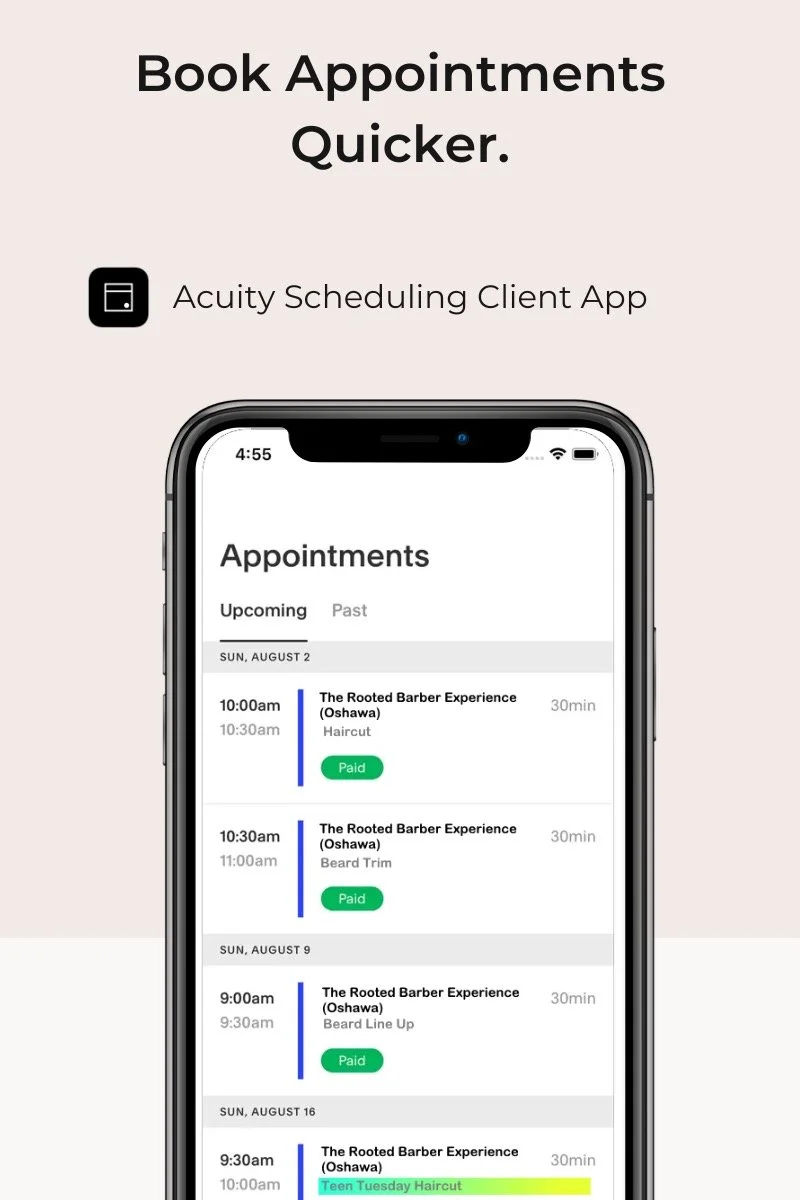
App Store
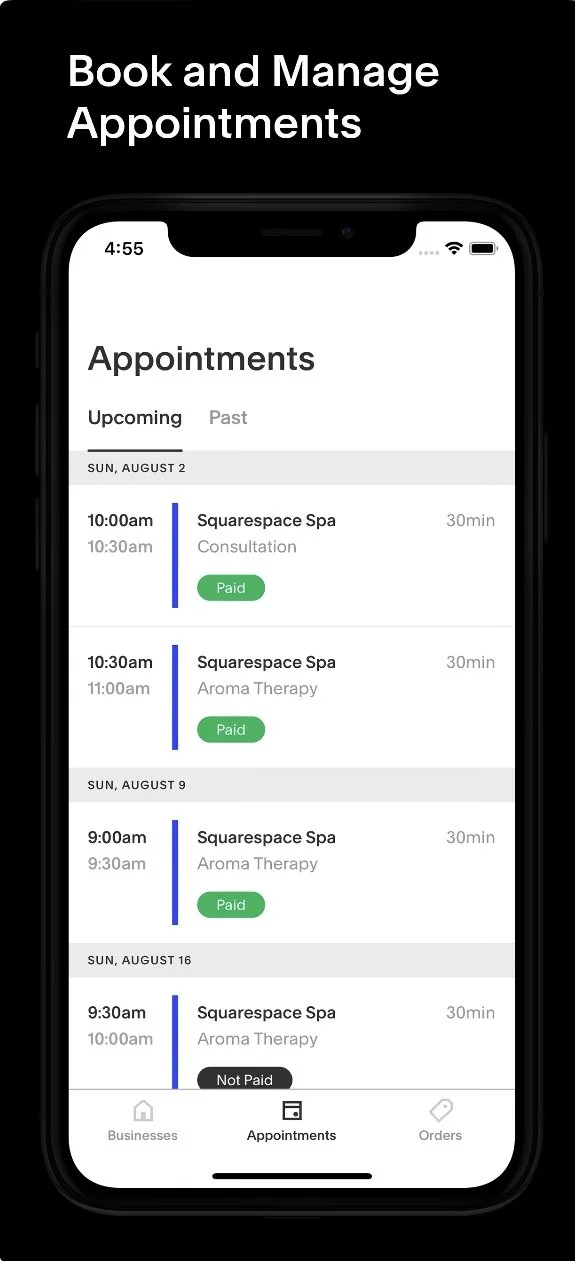
Google Play
Once you’ve downloaded the Acuity Scheduling Client Scheduling App, open the app and log in using the same email address you used to book your appointment. If you don’t have an account yet, simply create one using your preferred email. After logging in, add our business booking page by entering this URL in the app: [https://GV3BOOKINGPAGE.as.me/]. Once connected, you can view upcoming lessons, book onto new lessons, use your block booking code to receive you 100% discount, complete any required forms, and manage your payment information all in one place. Be sure to enable notifications so you receive appointment reminders and important updates.